Chat with Your Documents (AI Knowledge Base)
Upload documents and get cited, grounded answers — retrieval-augmented AI across the Reports Studio, Qualitative Studio, Quick Start, and the dashboard assistant.
On this page
Upload your own documents (PDF, DOCX, TXT, CSV) and ask questions of them in plain language. Nexmetry retrieves the most relevant passages and generates an answer that is grounded in — and cited back to — your sources, not the model’s general knowledge.
Where you can use it#
- Reports → Studio (Insight Notebook) — chat with uploaded sources while you write; this is also where org-scoped Evidence Synthesis lives.
- Qualitative Studio → Semantic Search — query transcripts by meaning, with “Find passages” (verbatim excerpts) and “Ask” (cited synthesis) modes.
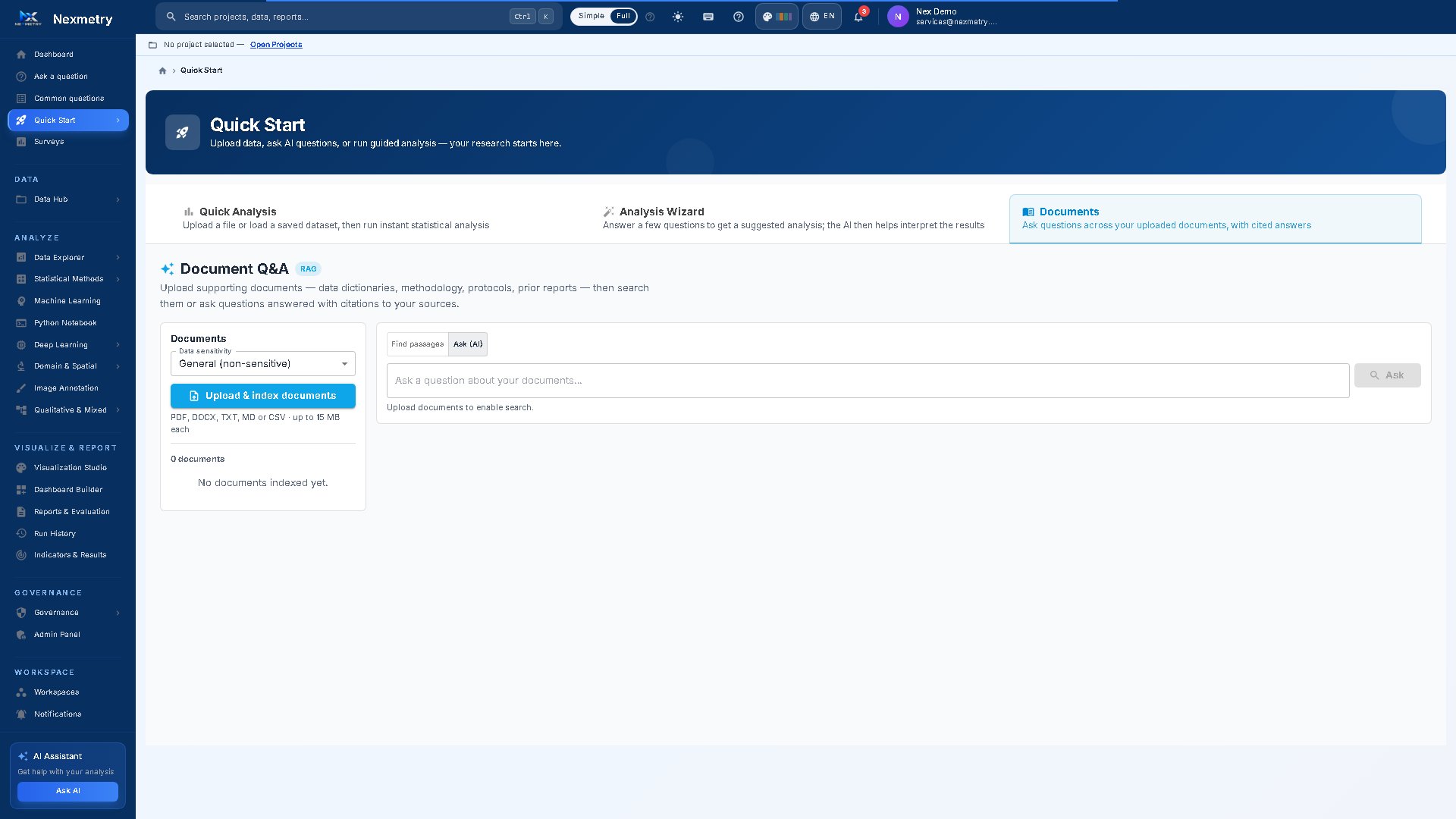
- Quick Start → Documents — upload supporting files and ask questions with citations.
- Dashboard AI Assistant — answers also draw on your organisation’s knowledge base.
How it works#
- UploadAdd documents to the surface you are working in (PDF, DOCX, TXT, MD, CSV). They are indexed for retrieval and marked accordingly.
- AskType your question in plain language. Nexmetry finds the most relevant passages across your documents.
- Get a cited answerThe AI answers grounded in those passages, with citations to your sources — and tells you when something is not in your documents rather than inventing it.
Something missing?
Have a question these docs don’t answer? Email support@nexmetry.org and we’ll add a guide.