Version History
Compare and restore earlier versions of a report.
Reports carry version history as snapshots. A snapshot is saved when a report changes, and you can compare two versions and restore an earlier one.
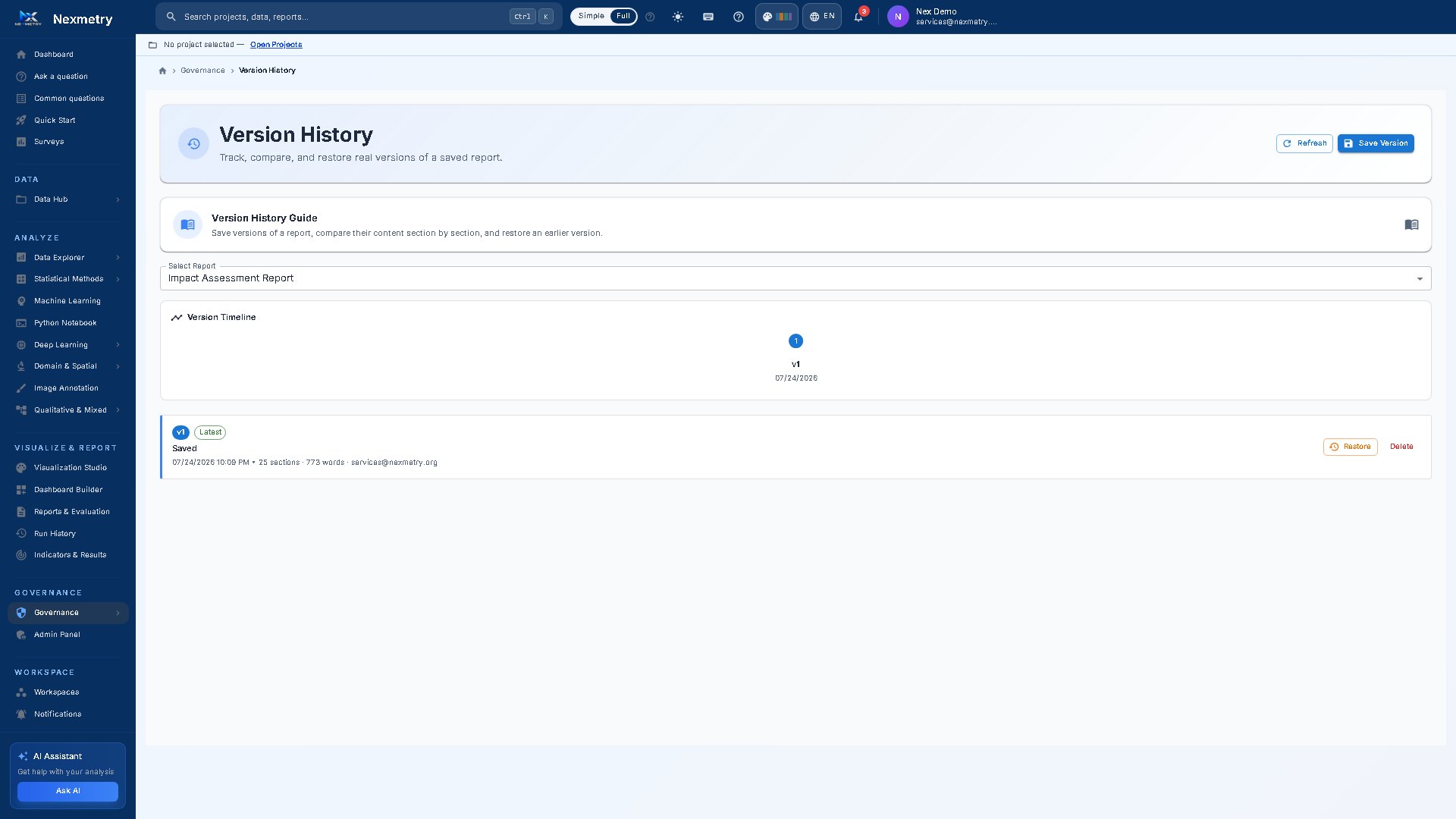
- A snapshot is saved automatically when you save a report whose content has changed
- Compare any two versions to see what changed between them
- Restore an earlier version; the current state is saved as a snapshot first, so a restore can be undone
- Every version records who created it and when
Something missing?
Have a question these docs don’t answer? Email support@nexmetry.org and we’ll add a guide.