Survey Design
Build surveys with branching logic, skip patterns, and 39 question types across six categories.
39 question types, six categories#
- Choice: multiple choice (single/multi), dropdown, image choice, ranking, constant sum
- Text & scales: short text, long text/essay, password, Likert, matrix/rating, slider, star rating, NPS
- Media: file upload, signature, image hot-spot, heat map, video response, audio response
- Date & time: date picker, time picker, combined date-and-time
- Structured: contact form, drill-down, side-by-side
- Demographic presets: name, age range, date of birth, gender, location, education, income, employment, race & ethnicity
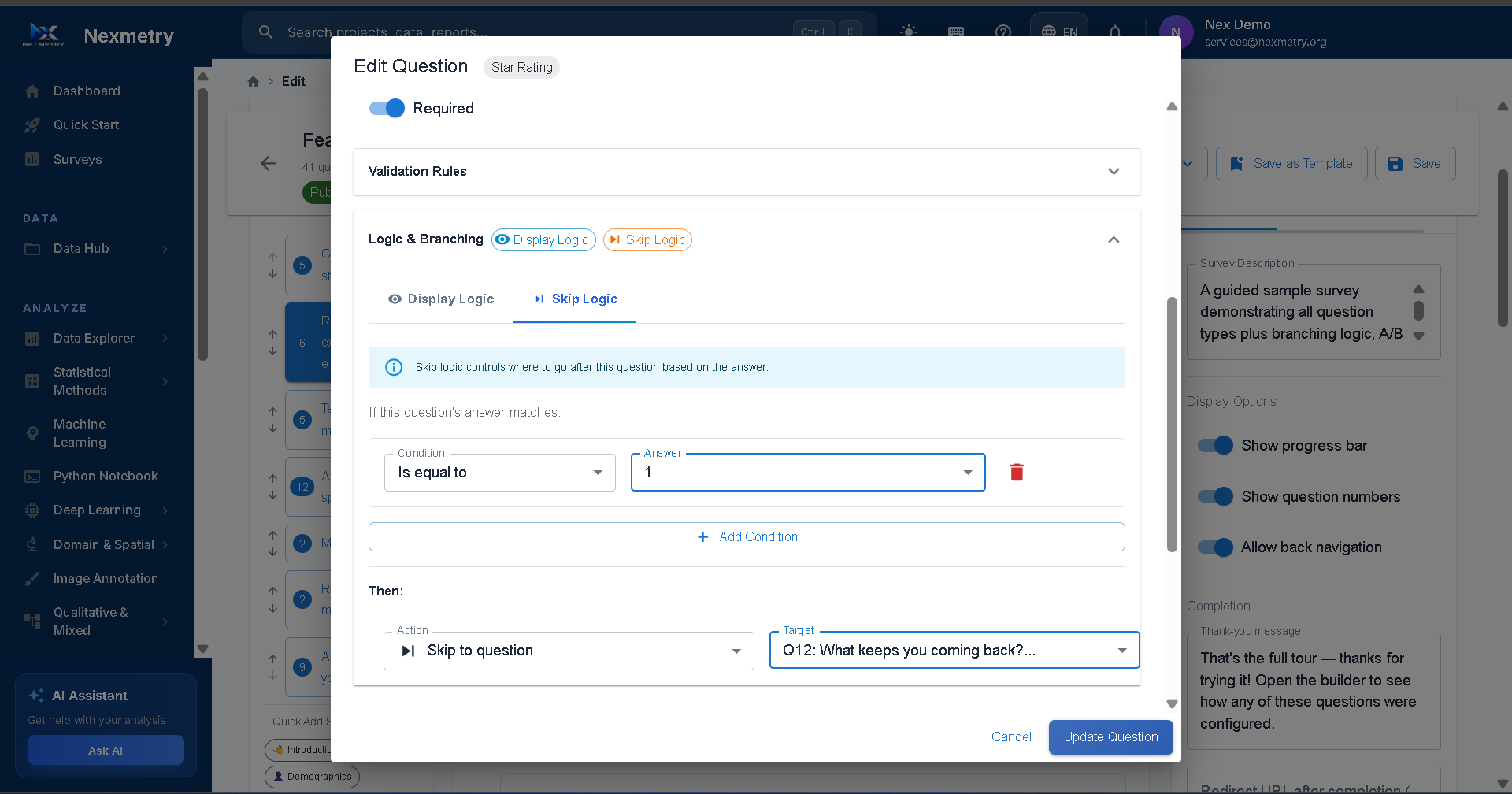
Branching & skip logic#
Every question supports conditional show/hide rules based on any prior answer. Rules combine with AND/OR and preview in real time.
Distribution#
- Public, private, or password-protected link
- QR code for field enumerators
- Email invitations with unique response tokens
- Embed in an existing website via iframe or JS snippet
Something missing?
Have a question these docs don’t answer? Email support@nexmetry.org and we’ll add a guide.