Domain Analytics
Discipline-specific methods across 11 fields — 93 methods spanning healthcare, clinical trials, pharmacokinetics, bioinformatics and more.
Domain Analytics is the deepest method library on the platform — discipline-specific techniques organized by field, each with worked documentation and a leak-safe AI interpretation.
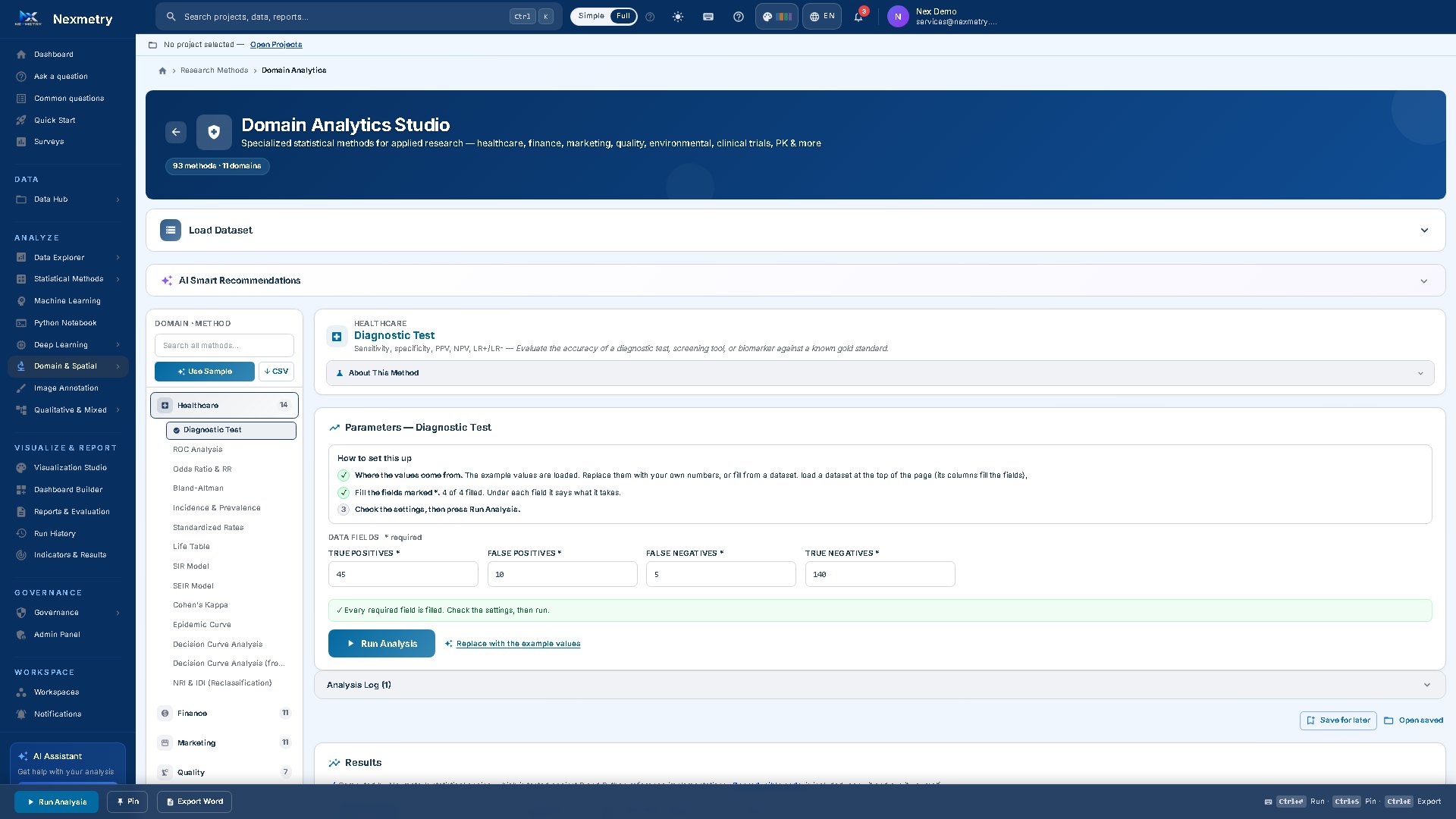
- Healthcare: diagnostic accuracy, decision curves, risk scores, screening metrics
- Epidemiology+: incidence & prevalence, standardization, competing risks
- Clinical trials: randomization, interim analysis, CONSORT flow, sample-size re-estimation
- Pharmacokinetics: compartmental models, AUC, bioequivalence
- GEE / longitudinal: correlated and repeated-measures outcomes
- Panel data & econometrics: fixed/random effects, instrumental variables, time-series
- Finance: portfolio and risk analytics, volatility, Black-Litterman
- Marketing: segmentation, conjoint, customer lifetime value, market-basket analysis
- Quality: statistical process control, capability indices, Six Sigma
- Environmental: exposure modelling, biodiversity and ecological indices
- Bioinformatics: differential expression, abundance and enrichment analysis
Setting up a method#
- A How to set this up guide at the top of the form says where the values come from (your dataset, the example values, or typed in) and counts the required fields filled.
- Required fields carry a star, and a field without its own help text says what it takes.
- With a dataset loaded, a list of values comes from a column: pick it, and the count and first values are shown. Type values instead for summary figures that are not in your data.
- Tables of numbers (a distance matrix, returns over time) go in a grid: type into the cells, add rows and columns, or paste a block copied from a spreadsheet.
- Before you run, the form names any required field that is still empty.
Something missing?
Have a question these docs don’t answer? Email support@nexmetry.org and we’ll add a guide.