Quick Analysis
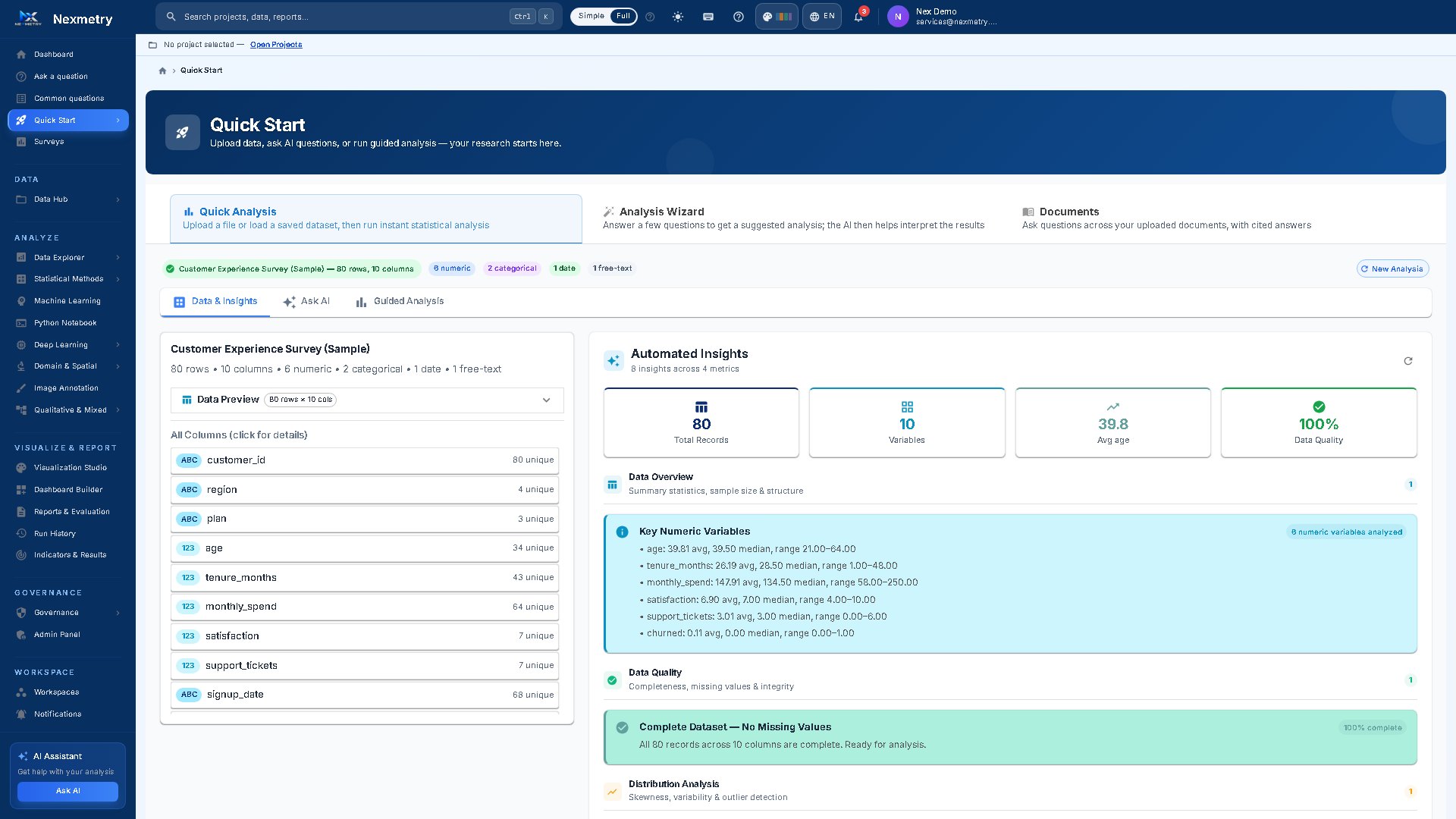
Instant insight cards for any dataset — distributions, correlations, outliers and missing data — with AI answers to your follow-up questions.
Open the Quick Analysis tab in Quick Start. Insight cards are computed in your browser as soon as a dataset loads, without calling the AI. Ask a question in plain language and the AI answers it from a summary of the dataset.
What the profile covers#
- Per-column type detection, distribution shape, and cardinality
- Missingness by column, with the rows affected
- Notable correlations between numeric columns
- Outliers and values that look out of range
Guided Analysis: the answer in plain words#
Guided Analysis in Quick Start walks you from a goal, such as Compare Groups or Explore Relationships, to a result. The result opens with the answer in plain words, for example which group is highest and lowest and whether the gap could be chance, followed by the report with its numbered tables and figures. One-page summary for a manager turns the answer into a page you can share.
Have a question these docs don’t answer? Email support@nexmetry.org and we’ll add a guide.