Users & Roles
Organization roles, workspace access, multi-factor sign-in and SSO.
Five organization roles cover the usual research-team shape, from read-only viewers to organization administrators. Workspaces decide who works on which projects, and institutions on the Enterprise plan can bring their own identity provider instead of managing another password.
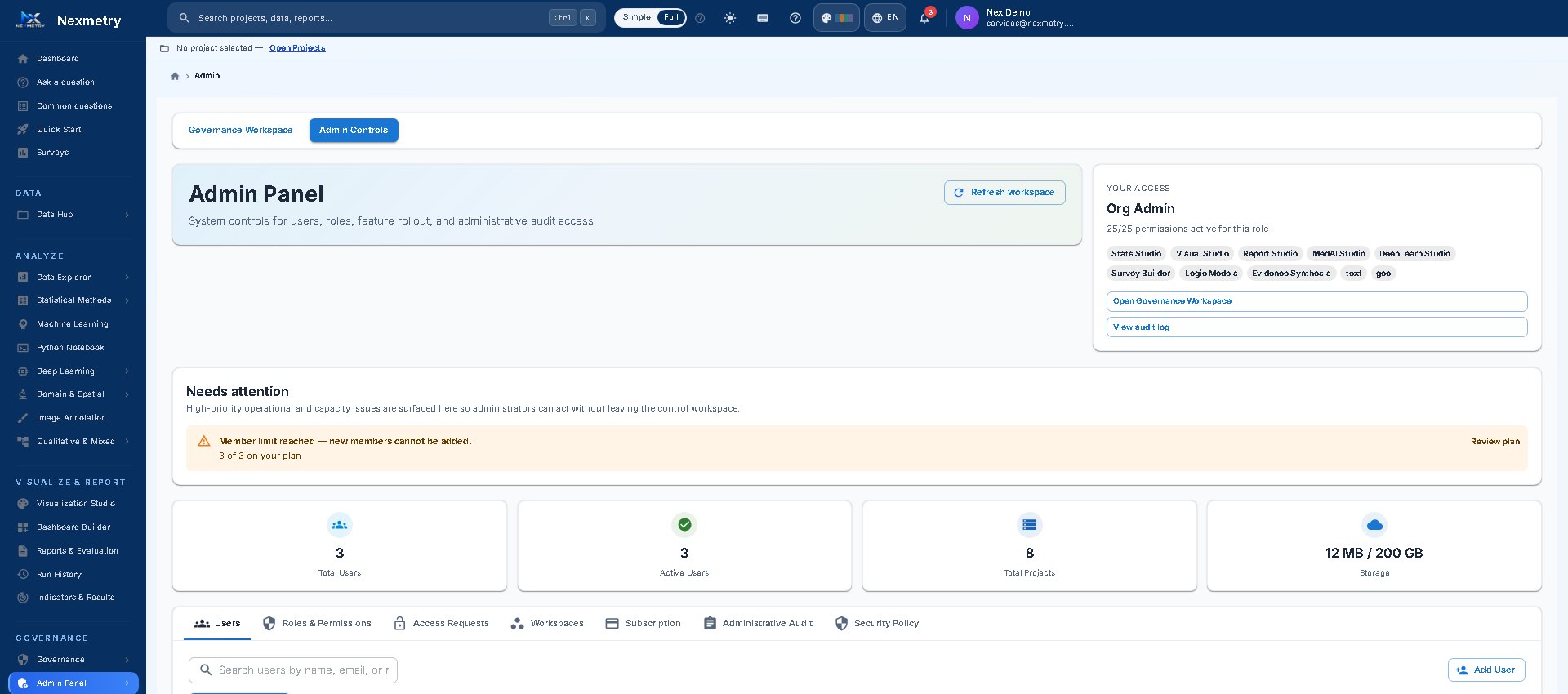
- Organization roles, from least to most access: Viewer, Analyst, Researcher, Workspace Admin and Org Admin. Platform Admin is reserved for Nexmetry staff
- Workspace membership, with workspace roles of admin, editor, commenter and viewer
- Sign in with Google or GitHub
- Multi-factor authentication with an authenticator app (TOTP), eight one-time backup codes or a passkey; an organization can require it for every member
- Institutional SSO on the Enterprise plan: OpenID Connect (OIDC) against your own identity provider (SAML 2.0 on request), such as Microsoft Entra ID, Okta, Google Workspace, Auth0 or Keycloak. An Org Admin configures it under Governance → Compliance
- Administrators create member accounts and assign roles in the Admin Panel
Something missing?
Have a question these docs don’t answer? Email support@nexmetry.org and we’ll add a guide.